EmbeddingGemma 2: an open, lightweight multimodal embedding model
deepmind.google·6d ago
TL;DR
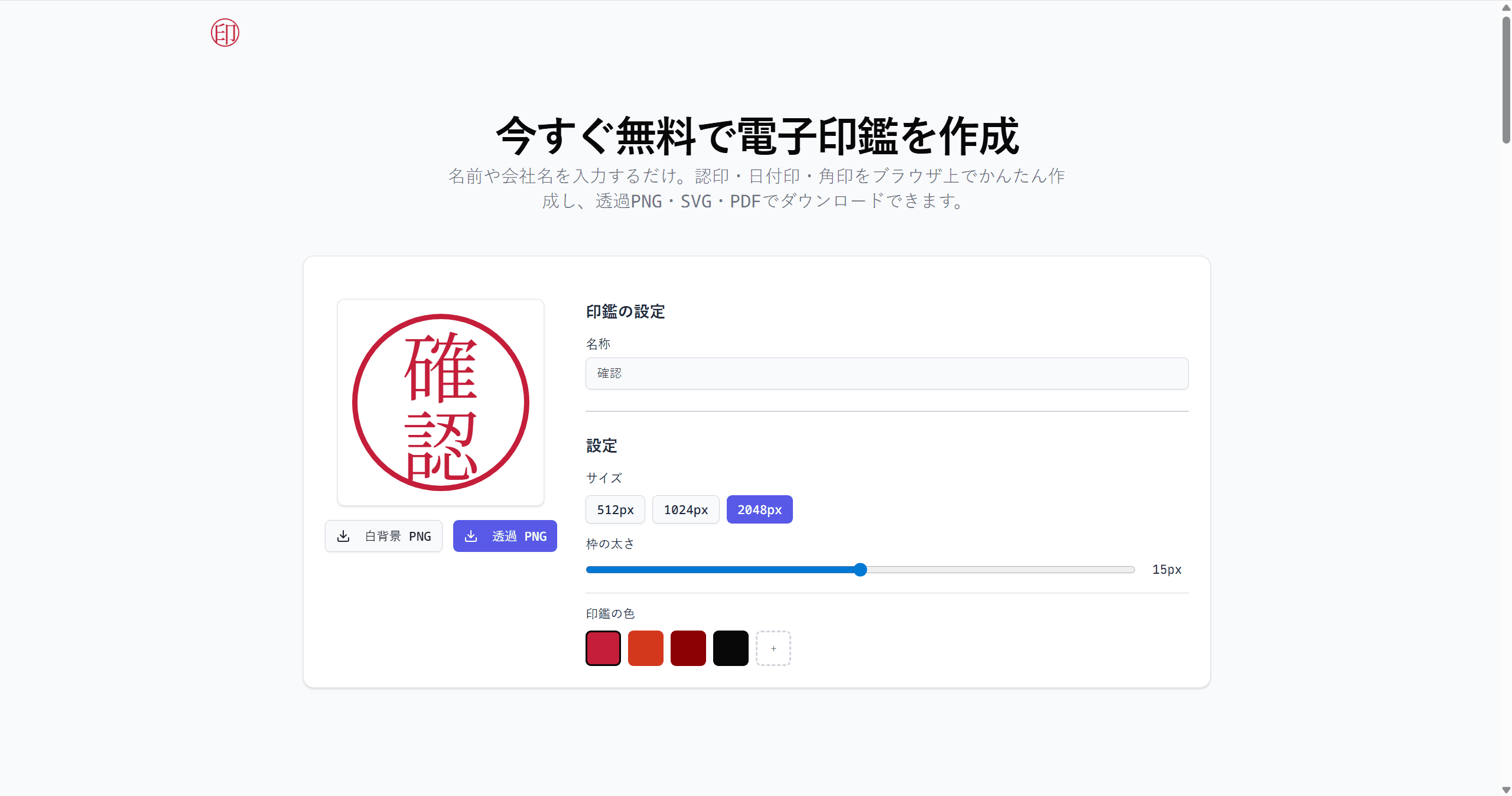
Creating electronic Japanese hanko seals for Excel can be done easily through three methods, with the browser-based approach being the most recommended for its simplicity and speed. Users can generate various types of seals without needing to install add-ins or enable macros.
✦ Why It Matters
Start creating your own electronic hanko seals in Excel today using the browser method for quick results.
Key Takeaways
Full Summary
Three primary methods exist for creating electronic Japanese hanko seals in Excel: using a browser tool called Sealkit, a NOMBO add-in, or Excel's shape functions. The browser method is the simplest, requiring no installation and allowing users to generate high-quality transparent PNG seals quickly.
Users can select from various seal types, input their names or company names, and download the seals for immediate use in Excel. The NOMBO add-in offers additional features but requires installation and macro activation, which can complicate the process.
The Excel shape method is the most labor-intensive and yields less professional results. Overall, the browser method stands out for its ease of use and versatility across different platforms.
Related