BerriAI / litellm
github.com·3d ago
TL;DR
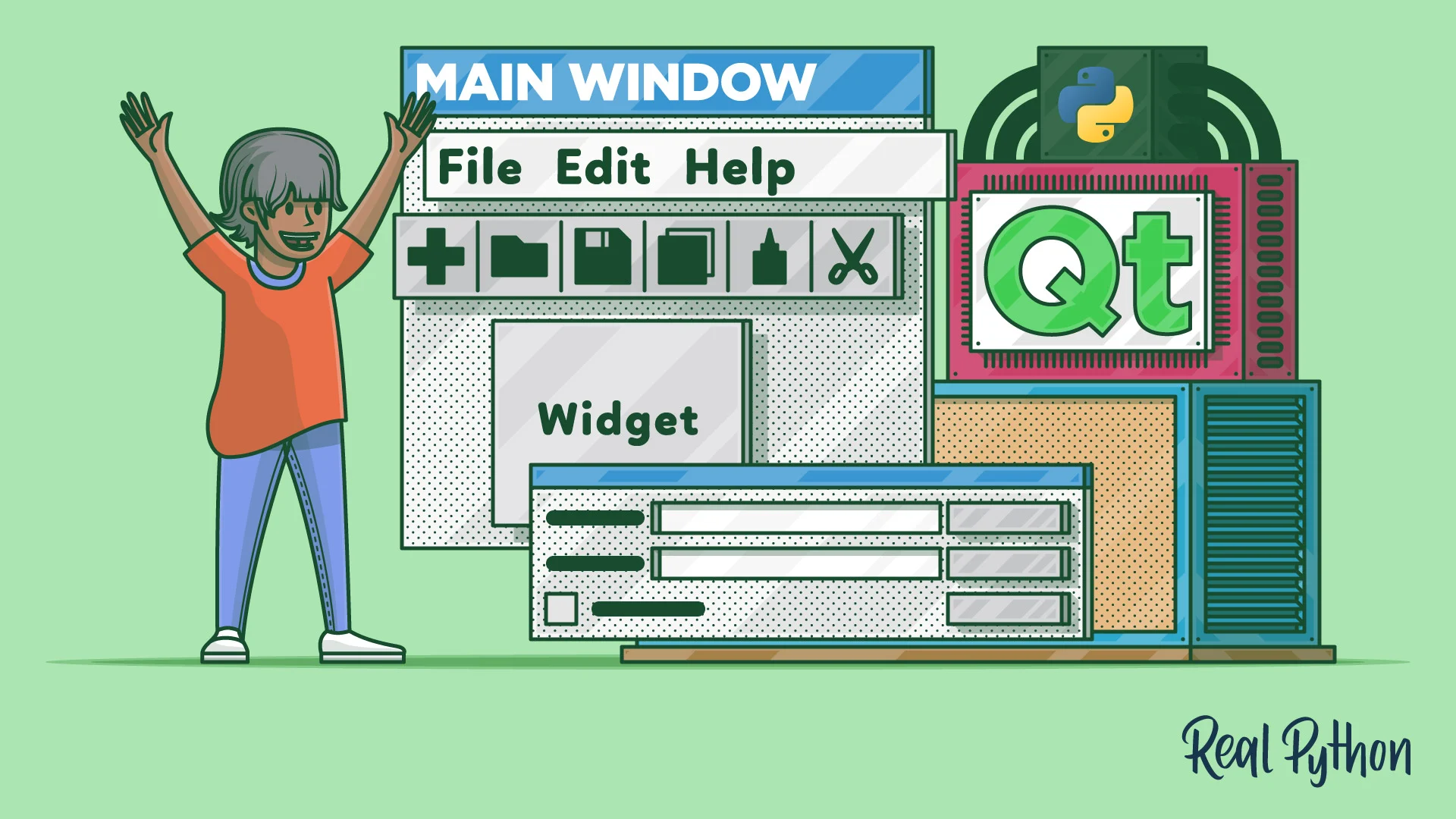
Qt Designer allows developers to visually create GUI applications in Python using PyQt6, streamlining the design process. This approach enhances productivity by enabling quick loading of designed interfaces into applications.
✦ Why It Matters
Start using Qt Designer today to speed up your GUI application development process.
Key Takeaways
Full Summary
Qt Designer enables developers to create graphical user interfaces (GUIs) for PyQt applications without writing layout code manually. By using a drag-and-drop interface, users can design their applications visually and save their work as .ui files, which are XML files that describe the GUI structure.
These .ui files can be converted into Python code using the pyuic6 command or loaded directly at runtime with uic.loadUi(). The tool supports various templates for main windows and dialogs, allowing for quick setup of common application structures.
Additionally, Qt Designer facilitates the connection of widget signals to slots visually, enhancing productivity. This method is particularly beneficial for those new to PyQt, as it provides a clear overview of available widgets and layout options.