karpathy / nanochat
github.com·1d ago
TL;DR
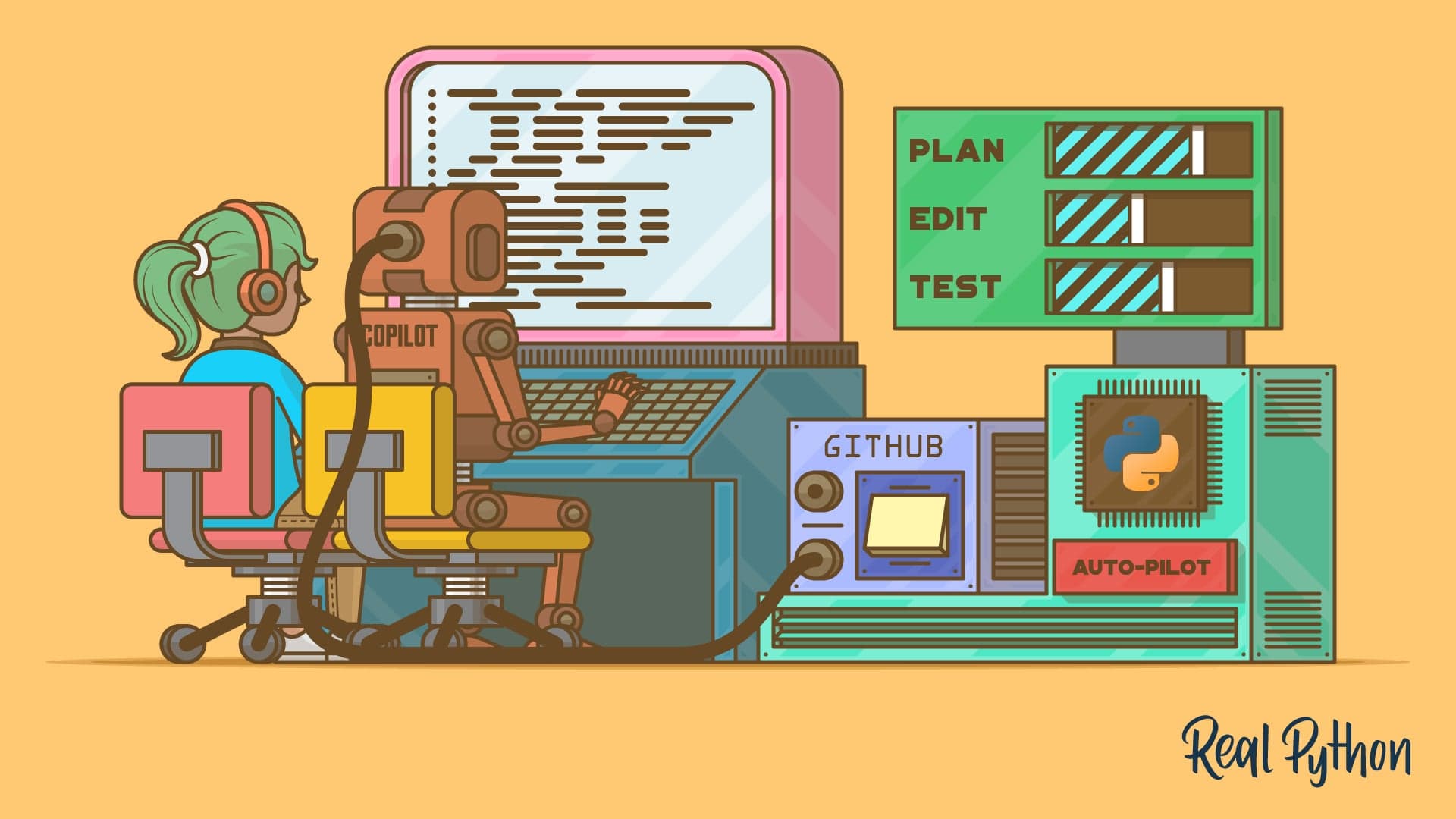
Many developers struggle with efficiently using AI tools in their coding workflows. The GitHub Copilot CLI was created to streamline interactions with AI by allowing users to install, authenticate, and utilize various features directly from the terminal.
✦ Why It Matters
Engineers can enhance their coding efficiency by mastering the GitHub Copilot CLI functionalities.
Key Takeaways
Full Summary
The GitHub Copilot CLI is a command-line interface that enhances coding productivity by integrating AI assistance directly into the terminal. This interactive quiz allows users to assess their understanding of the CLI's features, including installation, authentication, and the use of one-shot and interactive prompts.
Participants will also learn about slash commands, agent modes, and how to delegate tasks to subagents. Each of the 12 questions is designed to reinforce knowledge of switching between AI models without leaving the terminal.
Scoring is straightforward, with one point awarded for each correct answer, culminating in a maximum score of 100%. Engaging with this quiz not only tests knowledge but also deepens familiarity with the GitHub Copilot CLI's capabilities.