EmbeddingGemma 2: an open, lightweight multimodal embedding model
deepmind.google·6d ago
TL;DR
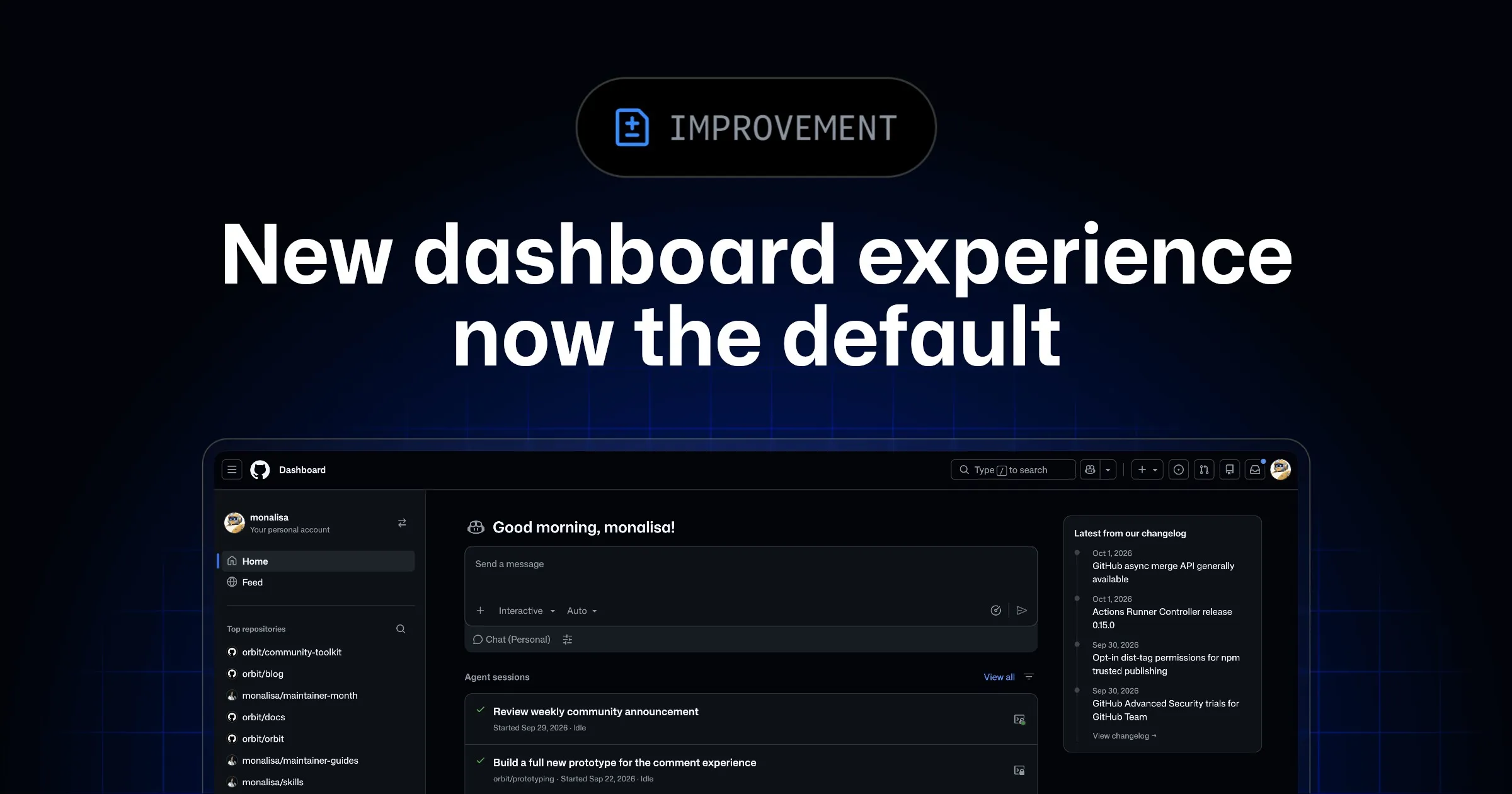
GitHub has made its redesigned dashboard the default for all users, enhancing focus on key tasks and improving navigation. Users can now manage active sessions, issues, and pull requests more efficiently.
✦ Why It Matters
Explore the new dashboard today to streamline your GitHub workflow and enhance productivity.
Key Takeaways
Full Summary
GitHub's new dashboard experience, which was previously in preview, is now the standard interface for all users. This redesign aims to streamline workflow by consolidating active agent sessions, issues, and pull requests into a single view, allowing users to apply filters and display up to 12 items per section.
Additionally, a separate Feed tab provides updates without cluttering the main productivity dashboard. Users can initiate tasks directly from the dashboard, such as assigning issues to the Copilot coding agent or opening pull requests in Copilot Chat.
This integration of features is designed to enhance user efficiency and focus on critical tasks, ultimately improving project management and collaboration.
Related