BerriAI / litellm
github.com·3d ago
TL;DR
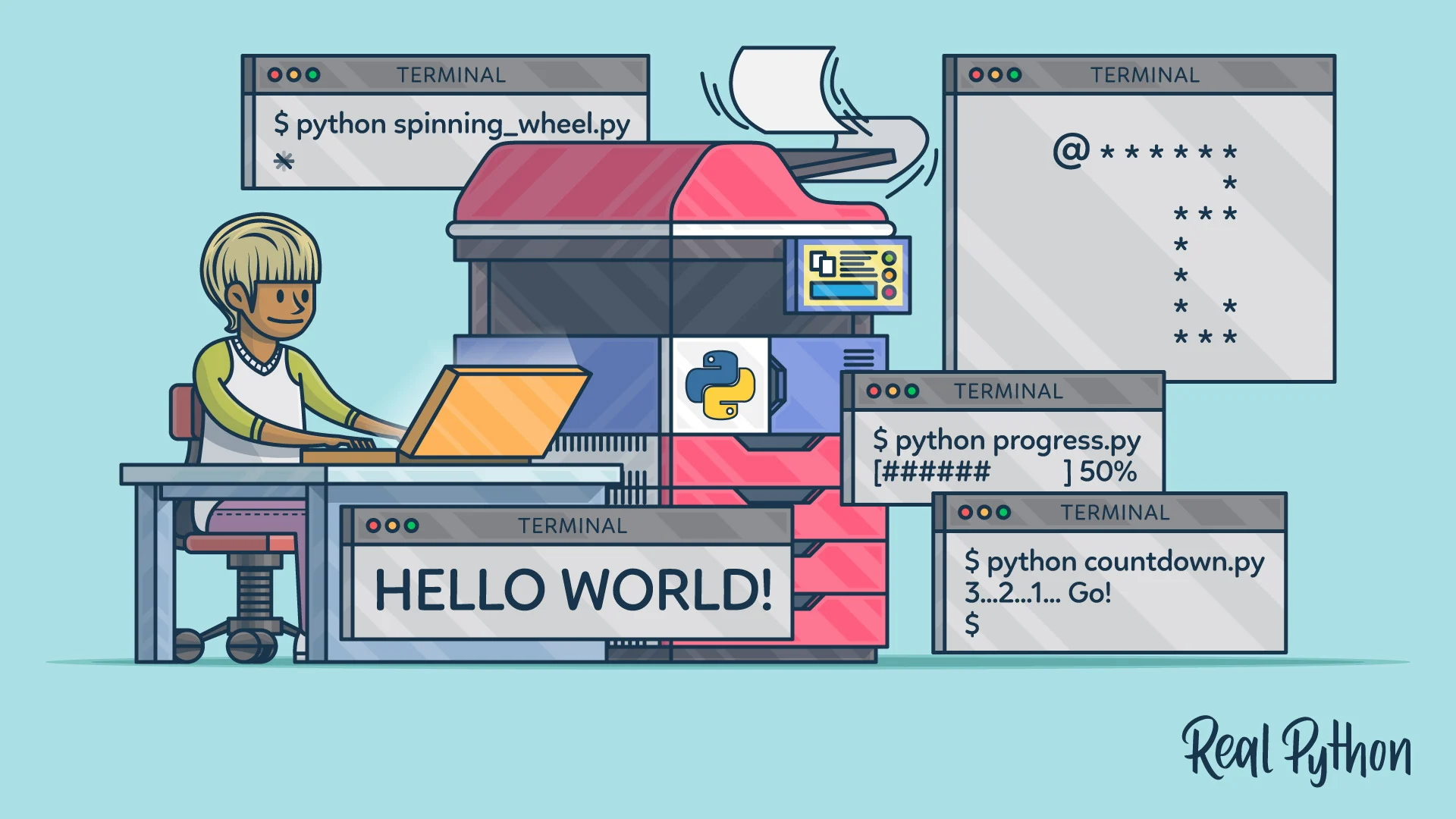
Explore the advanced features of Python's print() function, which goes beyond simple output to include formatting, encoding, and buffering. Mastering these aspects can significantly enhance your debugging and display capabilities.
✦ Why It Matters
Start using advanced print() features today to enhance your debugging and output formatting in Python.
Key Takeaways
Full Summary
Many Python users start their programming journey with the print() function, primarily using it for basic output and debugging. However, this article delves deeper into the print() function's capabilities, revealing its potential for formatted messages, handling newlines, and managing character encodings.
It discusses how print() can be customized through parameters like 'sep' for separators and 'end' for line endings, allowing for more control over output. Additionally, the article covers buffering, which can affect how and when output appears on the screen.
By understanding these features, developers can improve their debugging processes and create more user-friendly outputs. This comprehensive guide encourages users to rethink their approach to print() and utilize its full potential.